
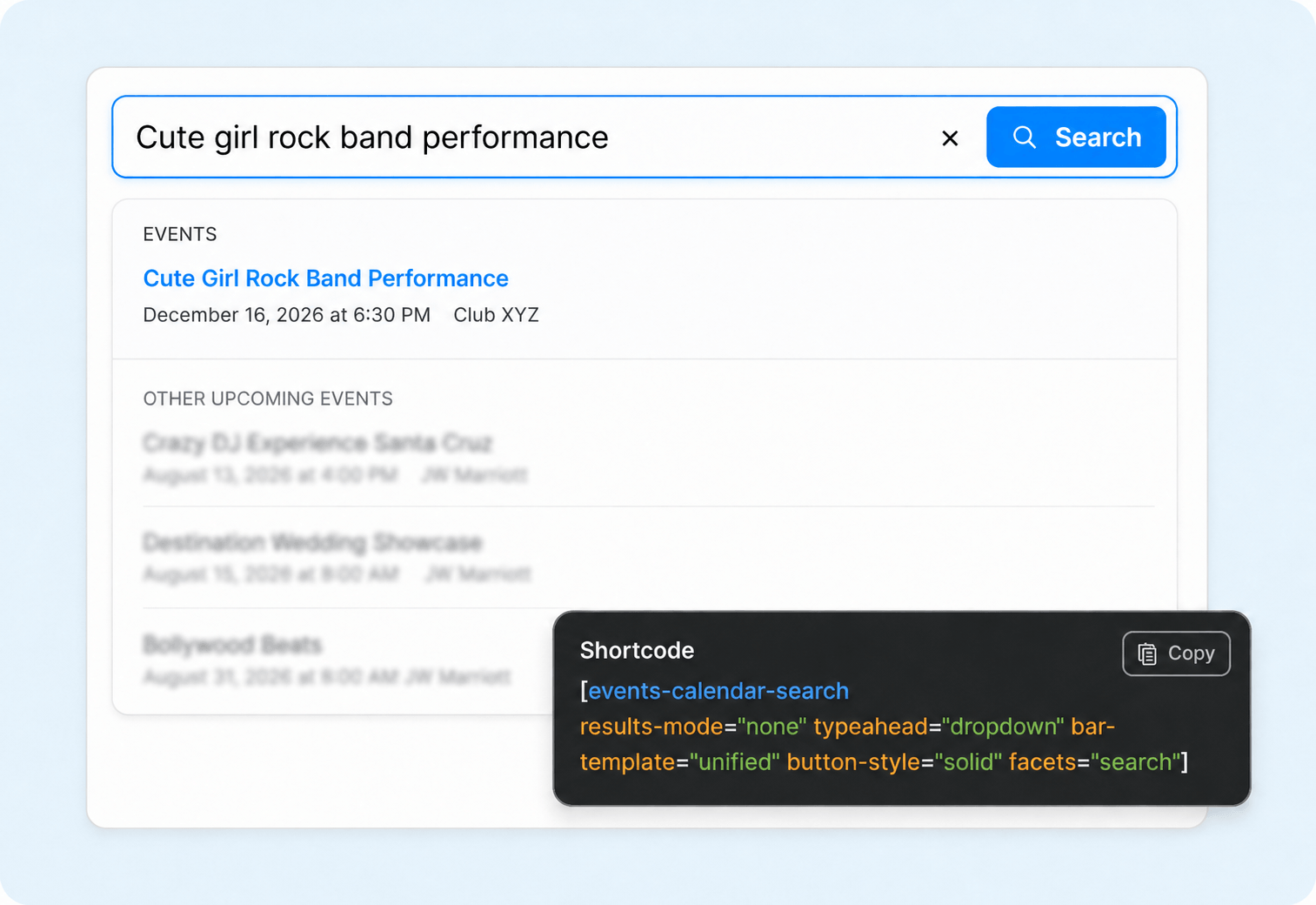
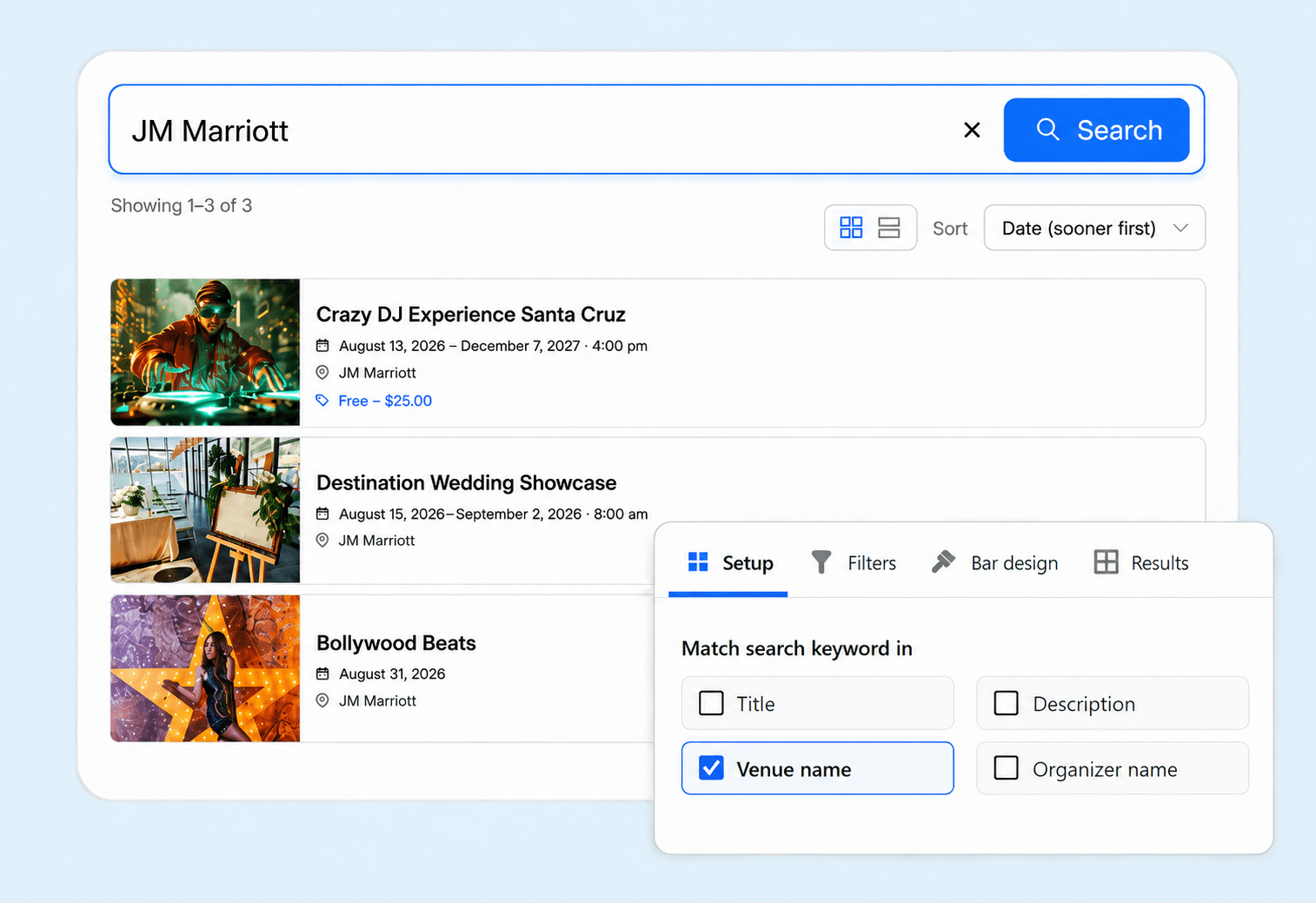
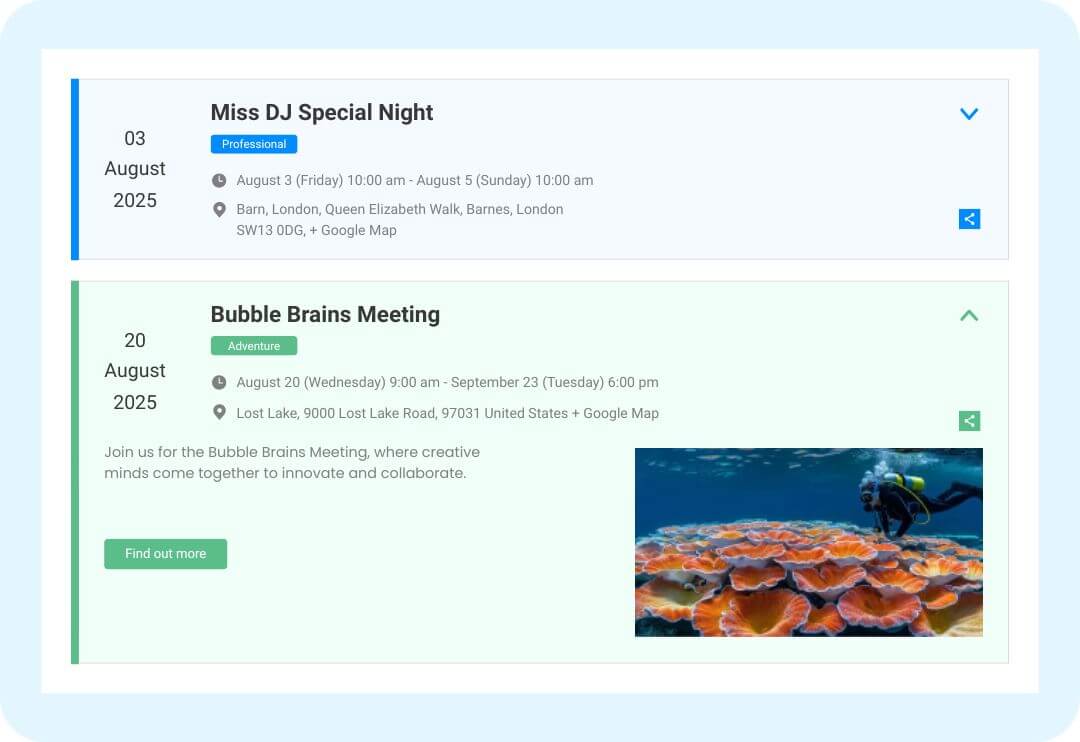













 The keyword search actually searches venue and organizer names too, not just the title
 A good team that makes the right plugins. They helped me. Everything works flawlessly.
 Thank you so much! Great plugin!
 honestly one of the easiest plugins i've configured, just pick your options and copy the shortcode
 design settings gave us full control, matched our event page style instantly, didn't even need custom css
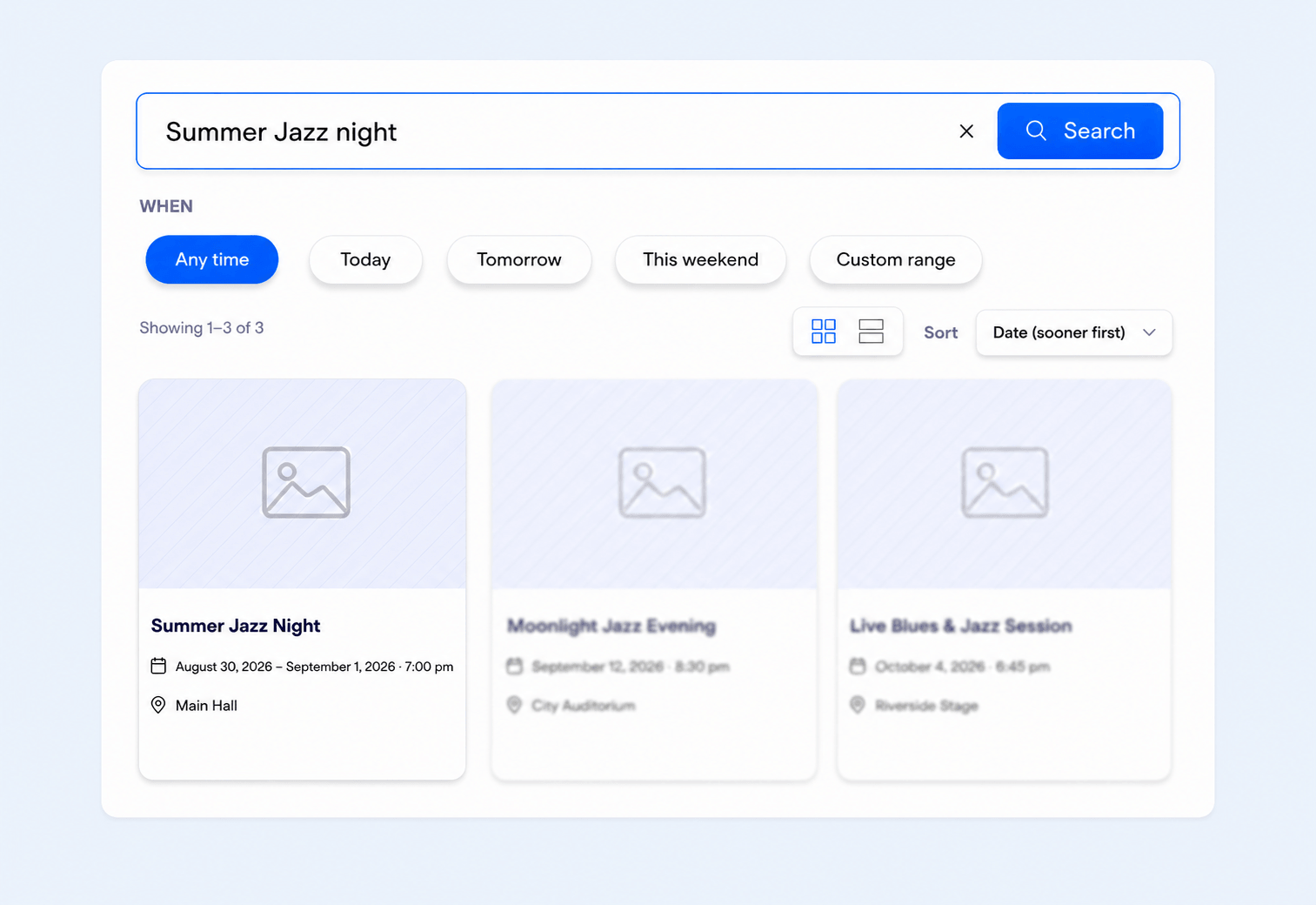
 The pill-style date filters look great and make the whole bar look professional.
 Results appear right below the search bar, no extra page needed. Clean and fast.
 Really impressed with how customizable the bar design options are, looks premium.


For 1 Website • 1 Year Plugin Updates
For 1 Website • Lifetime Plugin Updates
6 plugins bundle at a discounted price
Events Search & Filter Bar Pro Events Calendar Modules for Divi (PRO)
 Events Speakers And Sponsors
 Event Single Page Builder Pro
 Events Shortcodes Pro
 Events Widgets Pro

 Read
Read