The Events Calendar Modules For Divi Pro plugin allows you to display your events in customizable layouts directly inside the Divi Builder. You can choose from different templates: List, Grid, and Carousel.
Follow the steps below to display events using different layouts:
Add Events Layouts
- Create a new page in WordPress using Divi Builder.
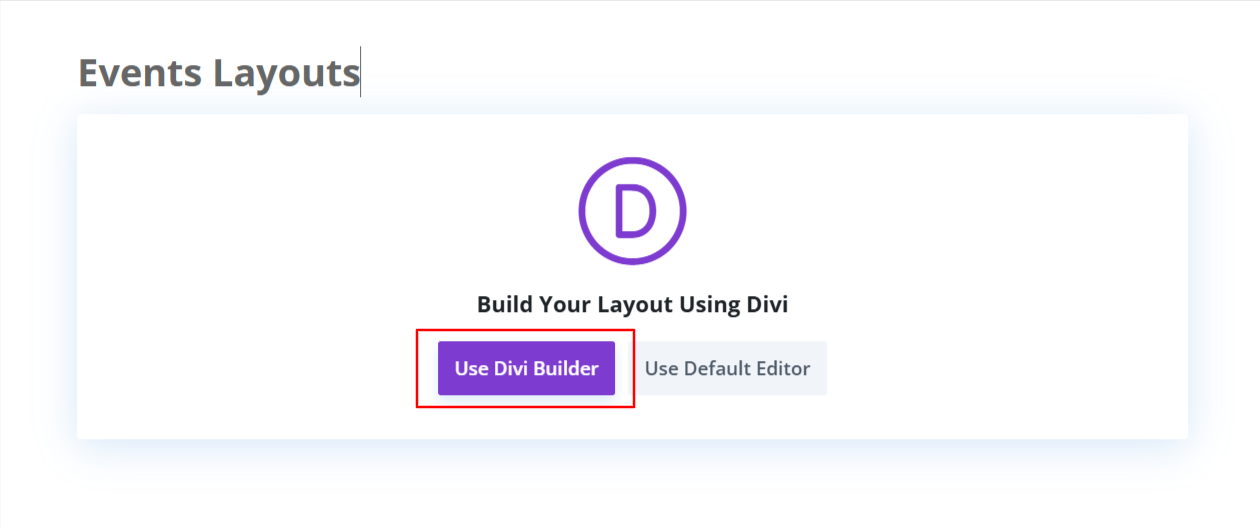
- In the Divi Builder module search bar, type “Events Layout”.
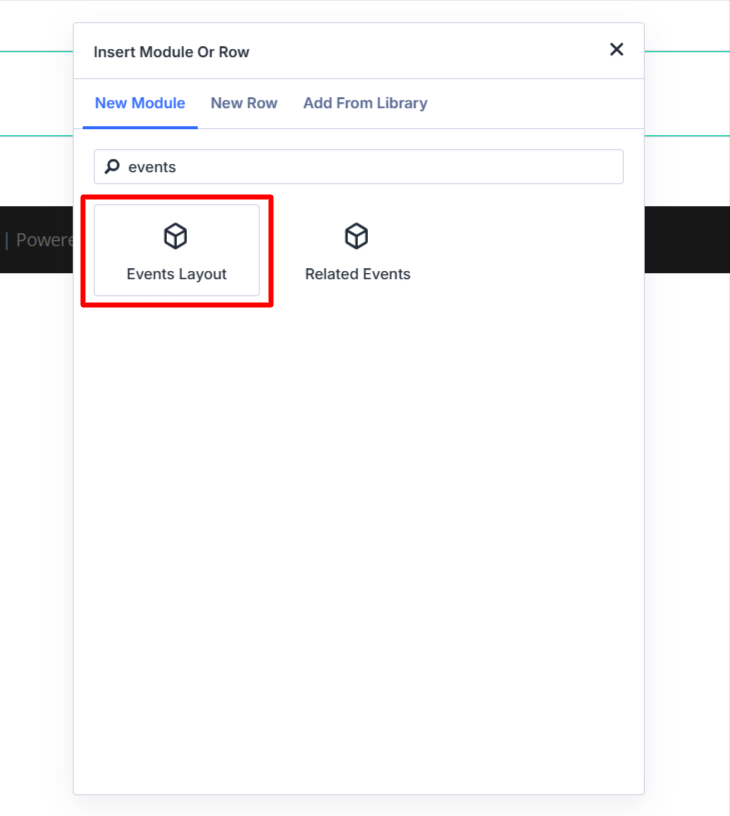
- Add the Events Layout module to your page. By default, the events will load in the List layout.
Customize Layouts
- To switch layouts:
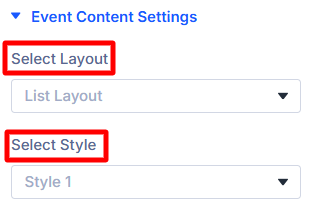
- Open the module settings.
- Go to Event Content Settings.
- Select your preferred template (List, Grid, or Carousel).
- After selecting the layout, choose a Style according to your requirements.
- After satisfied with all the changes publish the page and preview it.
List Layout Output

Grid Layout Output

Carousel Layout Output
