Managing events on a WordPress website is easy when you use The Events Calendar plugin. You can create events, add dates, set venues, add organizers, and manage event details from one place.
But if your website is built with Divi, one common problem appears when you want to display those events inside Divi. The Events Calendar works well for event management, but is limited to the default layout option.
Events Calendar Modules for Divi is the solution.
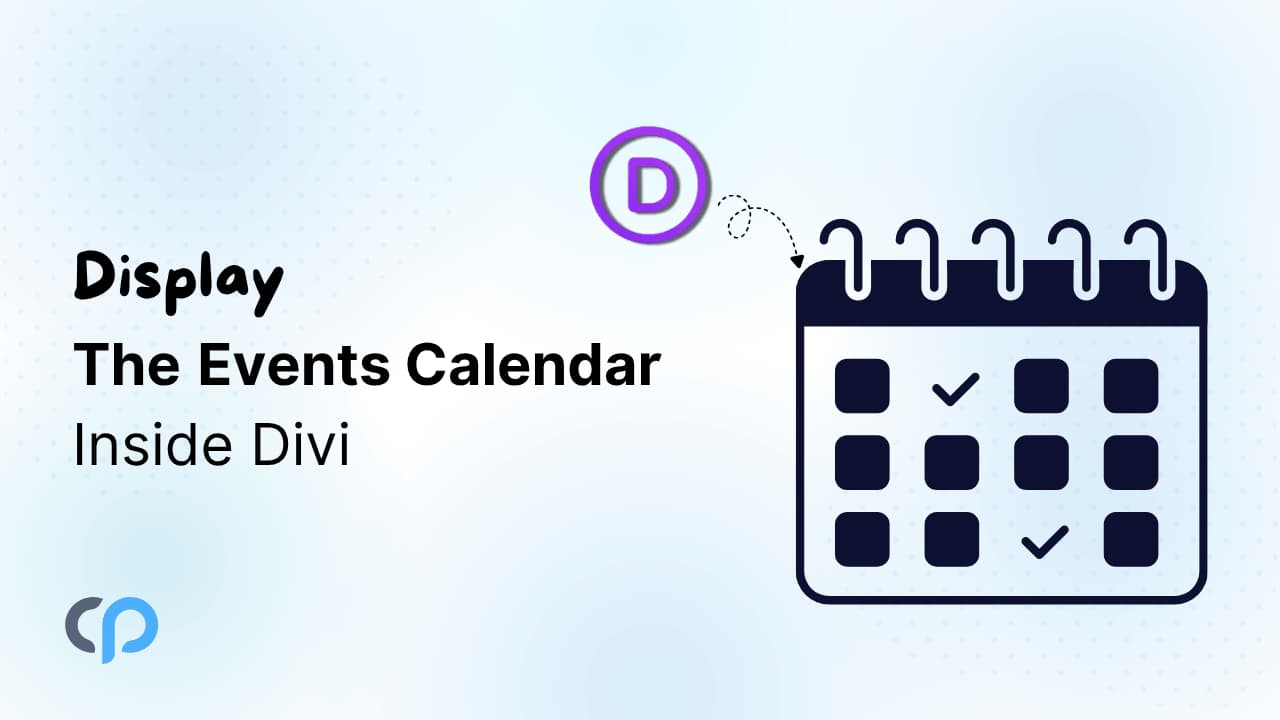
Display Events in Divi
Showcase The Events Calendar using dedicated events layout module inside Divi.
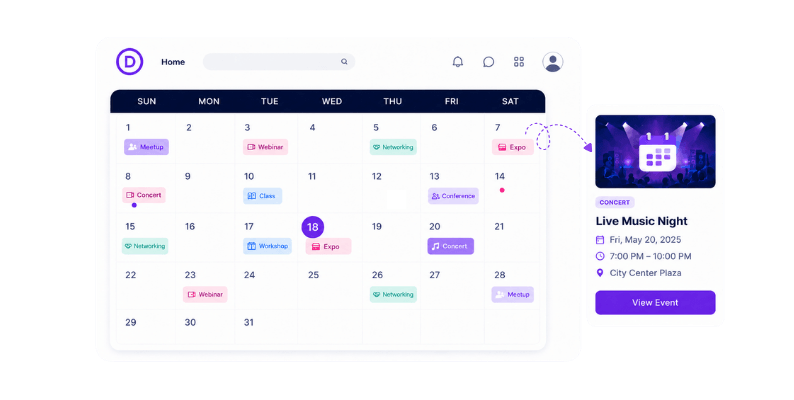
Now, let’s discuss the Events Calendar Modules for Divi plugin in detail.
What is Events Calendar Modules for Divi?
Events Calendar Modules for Divi is a powerful addon that connects The Events Calendar with Divi Builder.
This addon adds a dedicated Divi module to display events in list, grid, or carousel layouts and design them directly inside Divi.
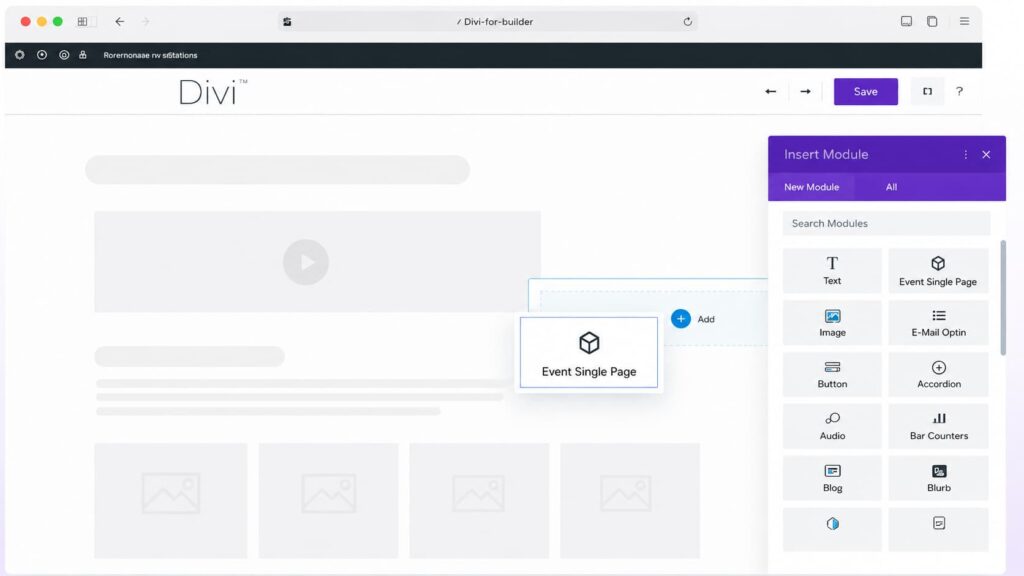
Additionally, with the Events Calendar Modules for Divi, you can design and customize the layout of your single event pages directly inside Divi. This plugin offers you two ways to design your event’s single pages:
- Pre-made Event Single Page Templates: Offers 5 ready-to-use templates that you can apply to your event pages without building from scratch.
- Custom Event Single Page Template: Create your own custom single page template with the Divi Theme Builder.
Key Features
- Dedicated Events Module Inside Divi: This plugin adds a dedicated Events Layouts module inside the Divi Builder. Simply add the module to any Divi page, section, row, or layout, customize it, and display events.
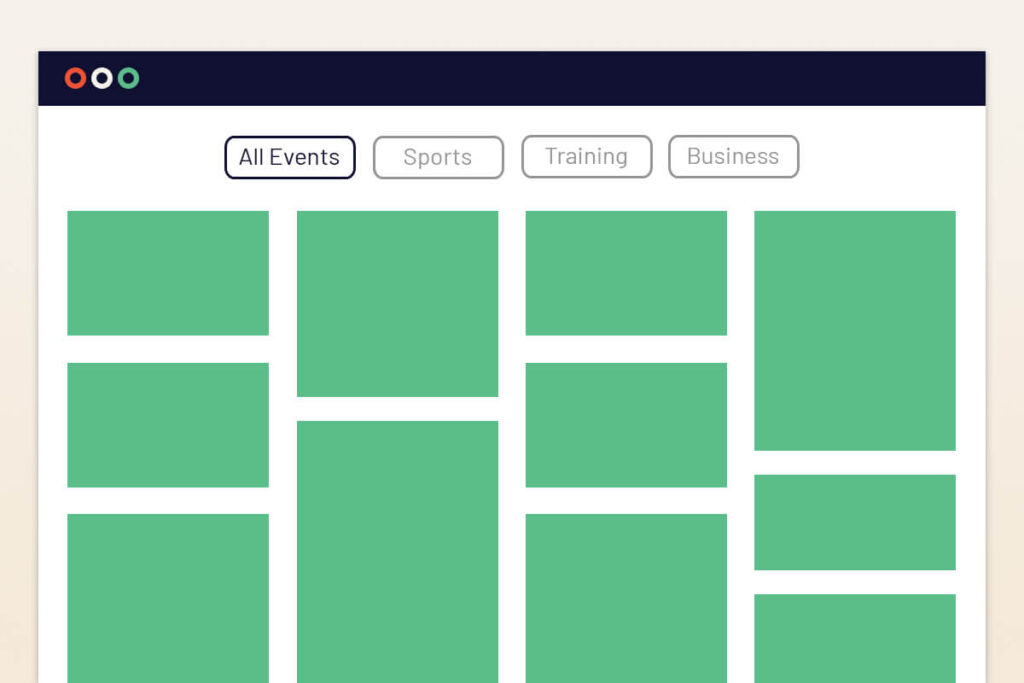
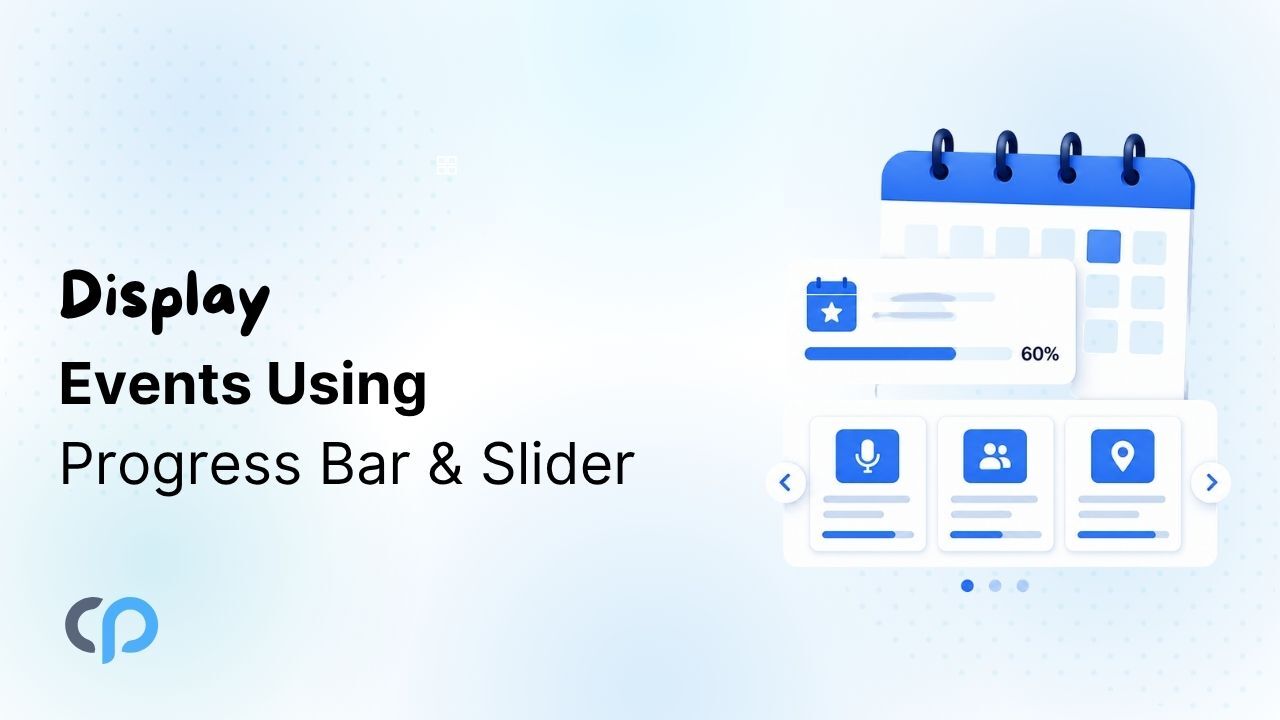
- Multiple Event Layout Layouts for Divi : Choose from list, grid, or carousel layouts and display the event’s information in your preferred layout.
- Event Display Options: Control the events display using category-based filtering, event filters, load more pagination, and more.
- Divi Events Customization Options: Customize event titles, dates, images, descriptions, buttons, colors, typography, spacing, and layout styling directly from the Divi Builder without coding.
- Ready-to-Use Divi Single Event Page Templates: The plugin provides you 5 pre-designed single event page templates that help you create professional event detail pages without much effort.
- Custom Single Event Templates in Divi: Create fully custom single event page layouts using the Divi Theme Builder and design event pages according to your website structure and branding.
- Divi & The Events Calendar Compatible: Fully compatible with Divi and The Events Calendar, ensuring smooth integration and reliable event display functionality.
- Mobile Responsive Layouts: All event layouts are fully responsive and automatically adjust across desktop, tablet, and mobile devices for a smooth browsing experience.
- Easy to Use: Comes with a simple interface and easy customization options, making it suitable for beginners, designers, and website owners.
Quick Setup Guide – Events Calendar Modules for Divi
Step 1: Before installing and activating Events Calendar Modules for Divi plugin, make sure you have installed and activated the Divi theme and The Events Calendar on your WordPress website.
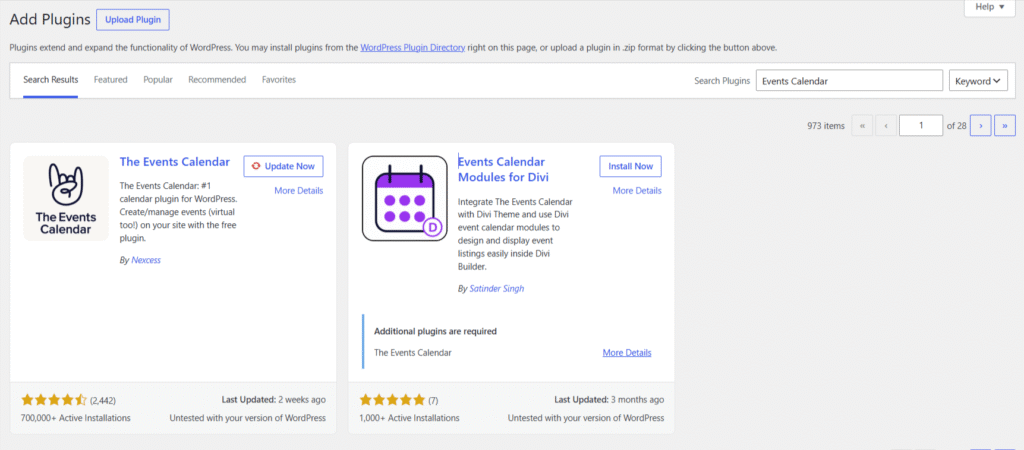
Divi is required to use the event modules inside the builder, while The Events Calendar is used to create and manage your event details.
Step 2: Edit the Divi page where you want to display events, and insert the Events Layouts module into your Divi layout.
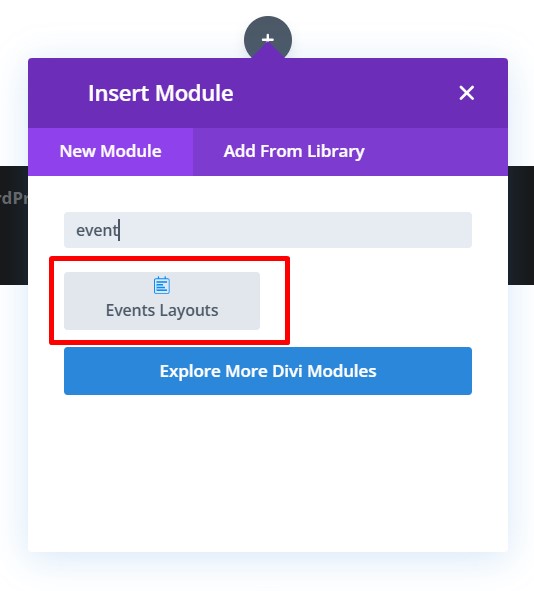
Once added, the module will fetch events from The Events Calendar plugin and display them on your page.
Step 3: Choose the preferred layout. Using the Events Calendar Modules for Divi plugin, you can display events in a list, grid, or carousel layout.
Step 4: Adjust the event display directly from the Divi Builder settings.
You can customize colors, typography, spacing, images, buttons, event details, and other design options according to your website theme.
Step 5: After customizing the event module and layout, save your changes and publish or update the page.
Now, preview the page on the frontend to make sure the event display looks good.
Step 6: If you want to improve the individual event detail pages, you can choose a ready-made single event template or create a custom layout using the Events Calendar Modules for Divi plugin.
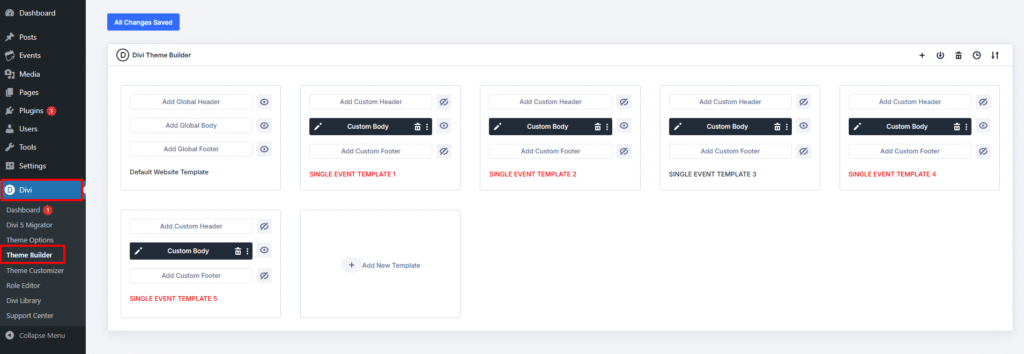
The plugin provides 5 ready-to-use templates and 15+ dedicated events’ Divi modules to build custom event page designs.
Conclusion
Managing events becomes much easier when you have the right combination of tools on your website.
While The Events Calendar helps you handle event management, Events Calendar Modules for Divi gives you the option to display those events in a more engaging way inside the Divi Builder.
So, overall, if you are building a Divi website and want better control over how your events look and function, Events Calendar Modules for Divi is a useful addon.
FAQs
How do I display The Events Calendar inside Divi Builder?
To display The Events Calendar inside Divi, you need a compatible addon like Events Calendar Modules for Divi. This addon adds dedicated Divi modules that allow you to showcase events in list, grid, or carousel layouts directly inside the Divi Builder.
Can Divi work with The Events Calendar plugin?
Yes, Divi works with The Events Calendar plugin. However, to fully customize and display events inside Divi layouts, you need an addon that connects both plugins together.
How can I customize The Events Calendar layouts in Divi?
You can customize event layouts directly inside the Divi Builder using event modules. The plugin allows you to modify colors, typography, event details, buttons, images, spacing, and layout styles visually.
Can I create custom single event pages in Divi?
Yes, with the Pro version of the Events Calendar Module for Divi plugin, you can create fully custom single event page templates using the Divi Theme Builder or use ready-made templates.
Which event layouts are available in Divi?
Events Calendar Modules for Divi plugin supports multiple layouts including, List, Grid, or Carousel Layout.
Can I filter events by category in Divi?
Yes, the Events Calendar Modules for Divi plugin supports category-based event filtering along with additional display controls like pagination and event ordering.