
Add Category, Tag & Venue Filters to The Events Calendar

- The Events Calendar works well for basic event search, but websites with large event lists need more filtering options.
- Events Search and Filter Bar Pro adds category, tag, venue, organizer, location, and date filters to the event search bar.
- Visitors can combine multiple filters to find more relevant events faster.
- The events search bar and results can be added to pages using smart shortcodes.
Best WordPress Event Management Plugins
- Compare 7 WordPress event management plugins based on event creation, recurring events, bookings, registrations, ticketing, and calendar display.
- Events Manager and Eventin suit websites that need a more complete event-management workflow with registrations, schedules, and ticketing.
- WP Event Manager works well for event directories and community websites where organizers need to submit and manage their own listings.
- Event Organiser, Event Monster, and EventPrime are better suited to specific needs such as recurring schedules, simple seat-based registrations, and expandable booking setups.
- The Events Calendar is a strong modular option for event publishing and calendar display, with Pro, Event Tickets, Community, and other addons available as requirements grow.
Add a Search & Filter Bar to The Events Calendar

- The Events Calendar already includes basic keyword search, but larger event websites need more ways to narrow results.
- Events Search & Filter Bar Pro adds more ways to narrow events by date, category, venue, organizer, tag, and location.
- The addon uses shortcodes to place the search bar and results on different pages or layouts.
- Use shortcodes with Gutenberg, Elementor, Divi, Bricks, Beaver Builder, WPBakery, and more.
Create Members-Only Tickets with Event Tickets Plus

- Control who can view or purchase event tickets based on membership levels with the Members Only Tickets extension.
- It works with WooCommerce and supported membership plugins to control ticket visibility and purchasing.
- Members Only Tickets connects your membership plugin with Event Tickets Plus, so you can control who can view or purchase specific tickets based on their membership level.
Display Event Venues and Organizers Using Shortcodes

- The Events Calendar stores venue and organizer information, but it does not provide a built-in way to display them as directories.
- Use List Venues and Organizers Shortcodes to create venue and organizer listings on any WordPress page or post.
- Choose from dedicated shortcodes to display venues, organizers, or other event-related custom post types.
- Use shortcode attributes to sort, filter, limit, and customize your listings with details, thumbnails, and event counts.
Event Tickets Extensions: Customize Tickets & RSVPs

- Customize Event Tickets by adding extra ticket fields, attendee phone numbers, and cost information to your events.
- Additional Fields for Tickets adds custom fields to tickets and RSVPs to collect and display extra event-related information.
- Add Phone to Attendee Lists lets you display attendee phone numbers in the event attendee list.
- Show Cost Field restores The Events Calendar’s Event Cost field so you can add general cost-related information to your events.
Add Widget Areas to The Events Calendar

- Add useful content to your event pages with predefined widget areas, without modifying your calendar layout.
- Calendar Widget Areas extension give you multiple predefined locations to add content above, below, or within different sections of your event pages.
- The extension offers nine widget areas across The Events Calendar’s main event pages and single event pages.
How to Create a WordPress Event Listing Website
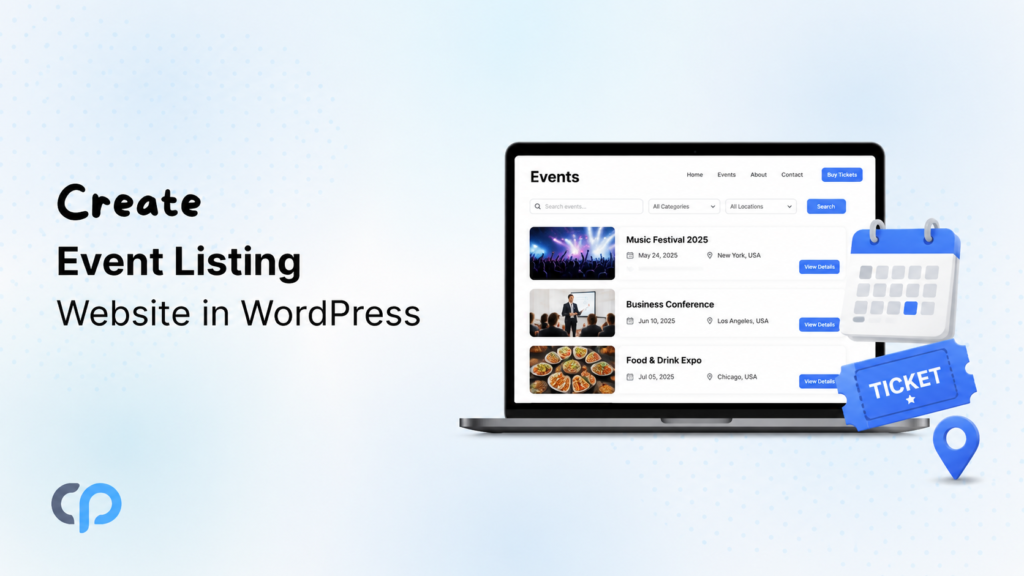
- The Events Calendar is the easiest way to build an event listing website on WordPress, and it is completely free to start.
- You can display your events as a list, grid, calendar, or carousel using Elementor, Divi, or simple shortcodes, depending on how your website is built.
- Once your events are live, you can design better single event pages, add search and filters, show speakers and sponsors, and sell tickets as your website grows.
Customize Day View and Datepicker in The Events Calendar

- Customize Day View and Datepicker to improve navigation, control date selection, and fix common conflicts.
- Day Strip Extension adds a strip to Day View so visitors can quickly switch between nearby dates.
- Custom Datepicker Start Date Extension lets you restrict the event start date in the Datepicker.
- Fix for Datepicker jQuery Conflict Extension automatically fixes Datepicker issues caused by JavaScript or jQuery conflicts.
Data Transfer & Migration in The Events Calendar

- Export, migrate, and import event data in The Events Calendar using iCal Export, WP All Import, and Event Aggregator.
- Advanced iCal Export V2 helps you export selected events to calendar applications using customizable iCal feeds.
- WP All Import Addon for The Events Calendar helps you migrate event data, including venues, organizers, tickets, and attendees, between WordPress websites.
- Event Aggregator: Additional Options gives you more control over imported events, including duplicates, formatting, scheduling, and cleanup.
Customize The Events Calendar Admin Settings and Labels
- Use Admin Bar Plus to reach Events settings faster by adding quick shortcuts to the Events Menu and WordPress sidebar.
- Replace default labels such as Event, Venue, and Organizer with custom terms using the Relabeler extension.
Event Block Patterns Extension For The Events Calendar

- Event Block Patterns is a free extension for The Events Calendar that adds five ready-made patterns to the WordPress Block Editor.
- You can quickly create sections for organizers and venues, tickets and countdowns, YouTube videos, sponsors, and FAQs without building each layout manually.
- Simply insert a pattern, replace the default content, customise its design, and publish your page.
Organizer Notification Email Extension For Event Tickets

- Event Tickets sends registration and ticket information only to site administrators and attendees.
- The Organizer Notification Email extension automatically sends email notifications to event organizers whenever someone purchases a ticket or submits an RSVP.
- It supports RSVPs and tickets created through WooCommerce, Easy Digital Downloads, and Tickets Commerce.
Test Data Generator for The Events Calendar and Event Tickets

- The Test Data Generator extensions for The Events Calendar and Event Tickets help you quickly create sample data for testing your event website.
- Generate events, venues, organizers, RSVPs, tickets, and attendees without creating each record manually.
- The Events Calendar extension generates event-related data, while the Event Tickets extension generates ticketing and attendee data.
Display Events in WordPress Using Event Progress Bar and Slider
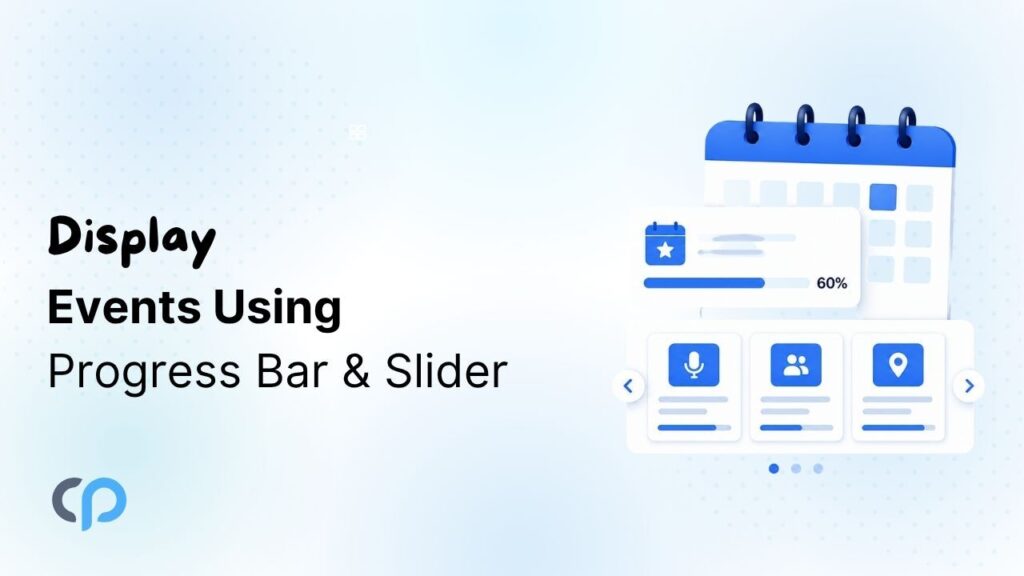
- Enhance your Events Calendar website with interactive features like Event Progress Bars and Event Sliders.
- A progress bar helps visitors quickly understand the current status of ongoing events.
- Event slider lets you showcase multiple events in a compact carousel and visually appealing way.
Display The Events Calendar via Shortcode

- Display The Events Calendar events anywhere on your WordPress website using flexible shortcode functionality.
- Showcase events in grid, list, carousel, masonry, accordion, and timeline layouts effortlessly.
- Filter events by category, venue, organizer, tags, featured status, and custom date ranges.
- Customize event designs, typography, colors, spacing, and layouts without coding or development skills.
How to Translate The Events Calendar Events Using AI

- Translate The Events Calendar events automatically using AI to create multilingual event websites effortlessly worldwide.
- AutoPoly, AutoTP, and AutoMLP streamline event translation across Polylang, TranslatePress, and WPML.
- AI translation saves time, reduces costs, and keeps multilingual event content consistently updated.
- Translated event pages improve SEO, user experience, and audience engagement across global markets.
Display The Events Calendar Inside Divi Builder
- Events Calendar Modules for Divi seamlessly connects Divi Builder with The Events Calendar plugin.
- Display events in list, grid, or carousel layouts with extensive visual customization options.
- Create professional single event pages using ready-made templates or custom Divi layouts.
- Fully responsive, beginner-friendly solution offering filters, styling controls, and smooth Divi integration.
Customize Your Event Single Page Using The Events Calendar
- Event Single Page Builder Pro helps customize The Events Calendar single event pages without coding.
- Design event pages using Elementor templates, custom widgets, or ready-made non-Elementor layouts.
- Apply templates to specific events, categories, venues, organizers, or all events easily.
- Enhance event presentation with customizable layouts, event widgets, and additional Events Calendar addons.
Display The Events Calendar Directly Inside Elementor

- Events Widgets for Elementor transforms basic event listings into customizable, professional event displays.
- Create unique event layouts using Elementor loop templates, widgets, and multiple display formats.
- Enhance event discovery with search functionality, category filters, sorting, and pagination controls.
- Easily showcase upcoming or past events while maintaining consistent branding across your website.