The Events Calendar is a popular WordPress plugin that helps you publish and manage events on your website.
However, running an event website is not limited to displaying events only. Your website also needs ticketing, registration, a newsletter, or custom controls for smooth running.
In other words, event websites have different requirements, and The Events Calendar does not cover them all.
This is where addons for The Events Calendar can help. They add useful functions to your website without changing the existing setup.
Since each addon serves a different purpose, the right choice depends on what you want to improve. So, in this guide, I have created a list of addons that stand out in their respective areas, from customization to ticketing and newsletters.
Let’s start with a quick overview.
Quick Overview of Addons for The Events Calendar
| Plugin / Addons | Key features | Pro / Paid version | Best for |
|---|---|---|---|
| Events Calendar Addons by Cool Plugins | Custom layouts, page builder tools, event page templates, search filters, and speaker profiles. | Individual premium addons or a bundle. | Event design and page builder compatibility. |
| Events Calendar Pro | Recurring events, Event Series, extra calendar views, duplication, custom event fields, and shortcodes. | Paid addon; requires the free The Events Calendar plugin. | Recurring events and advanced calendar displays. |
| Event Tickets | Tickets, RSVPs, confirmation emails, and sales and attendee reports. | Event Tickets Plus adds custom registration fields, WooCommerce integration, and mobile ticketing tools. | Ticket sales and RSVPs. |
| Event Calendar Newsletter | Turns existing event details into newsletter content. | Pro adds filters, grouping, saved templates, and email tool integrations. | Preparing event newsletters. |
| Registrations for The Events Calendar | Registration forms, limits, deadlines, confirmation emails, and CSV exports. | Pro adds group registrations, waiting lists, payments, scheduled reminders, and a drag-and-drop form builder. | Sign-ups for free events. |
Now, let’s discuss each addon one by one.
Best Addons to Extend The Events Calendar
The following is a list of useful addons that help to add features to your Events Calendar:
The Events Calendar Addons
Best for: The Events Calendar Addons is the best option for event websites that need custom event layouts and more design control in Elementor, Gutenberg, WP Bakery, or Divi.
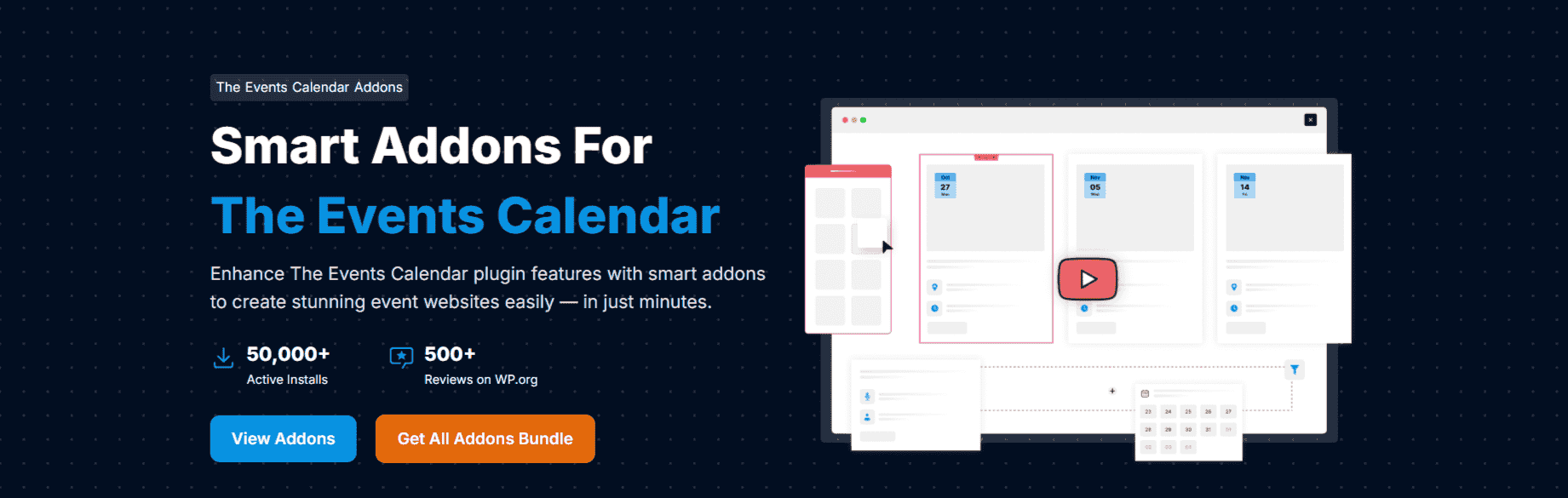
The Events Calendar Addons by Cool Plugins is a collection of powerful addons that improve the appearance and compatibility of your events calendar.
You can use them to create event listings in Gutenberg, Elementor, Divi, Classic Editor, and other shortcode-based page builders with custom layouts, designs, and styles.
Along with event listings, you can also customize the single event page with ready-made or custom templates. You can also display speaker and sponsor profiles to give visitors more information about your events.
Once your events are published, you can add a frontend search and filter bar with advanced filters like location, date, category, venue, and organizer, which helps visitors find relevant events quickly.
These addons are available as a bundle or individually, so you choose the right fit for your page builder and website needs. The collection includes the following addons:
| Addon | Main function |
|---|---|
| Events Widgets Pro for Elementor | Displays events in Elementor using list, grid, carousel, and calendar layouts. |
| Events Shortcodes Pro | Displays events using shortcodes in layouts such as grids, sliders, and carousels. |
| Event Single Page Builder Pro | Customizes individual event pages using templates or Elementor. |
| Events Calendar Modules for Divi | Displays events in Divi using customizable list and grid layouts. |
| Events Speakers & Sponsors | Adds speaker and sponsor profiles, including photos, bios, and links. |
| Events Search & Filter Bar Pro | Adds event search and filters for dates, categories, venues, locations, and more. |
Events Calendar Pro
Best for: Websites that need recurring events, event series, and more calendar display options.
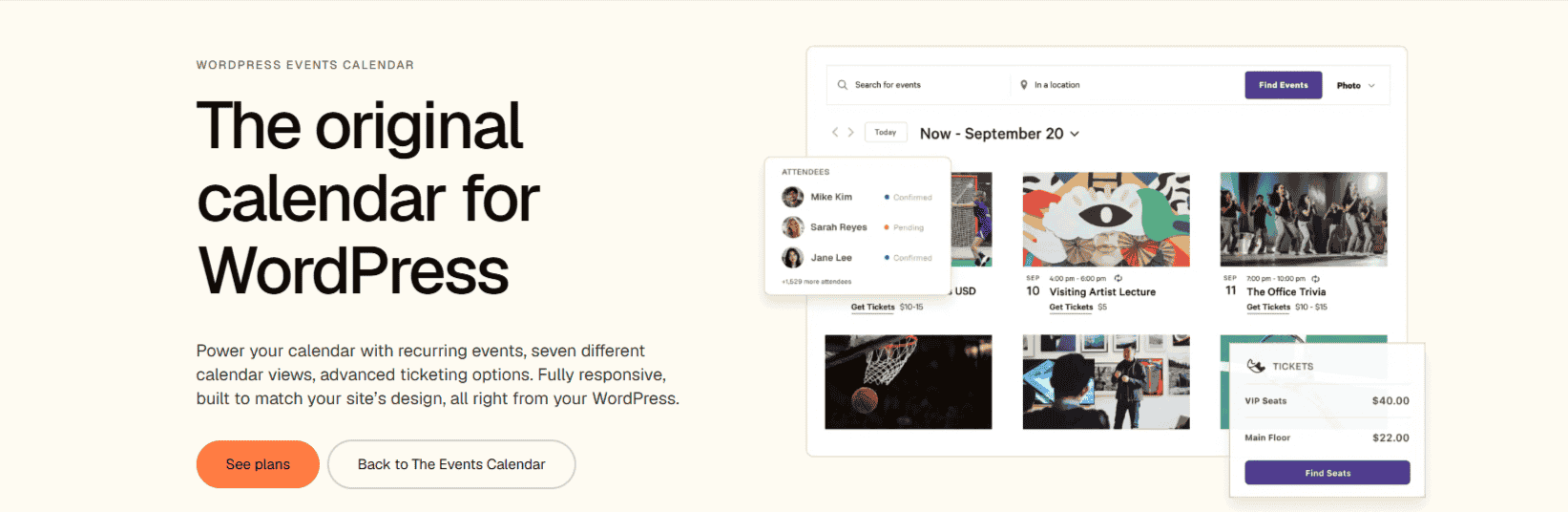
The Events Calendar offers a premium version called Events Calendar Pro. It is an addon, which means it runs alongside The Events Calendar and enhances it with extra features.
With Events Calendar Pro, you can manage recurring events using a schedule or individual dates and keep related events together on one landing page using the Event Series feature.
The Pro version adds more calendar views, such as Summary, Photo, Map, and Week. You can also use shortcodes and widgets to display your calendar on pages, posts, or widget areas.
Event Tickets
Best for: Websites that need ticket sales or RSVPs without upgrading their entire calendar setup.
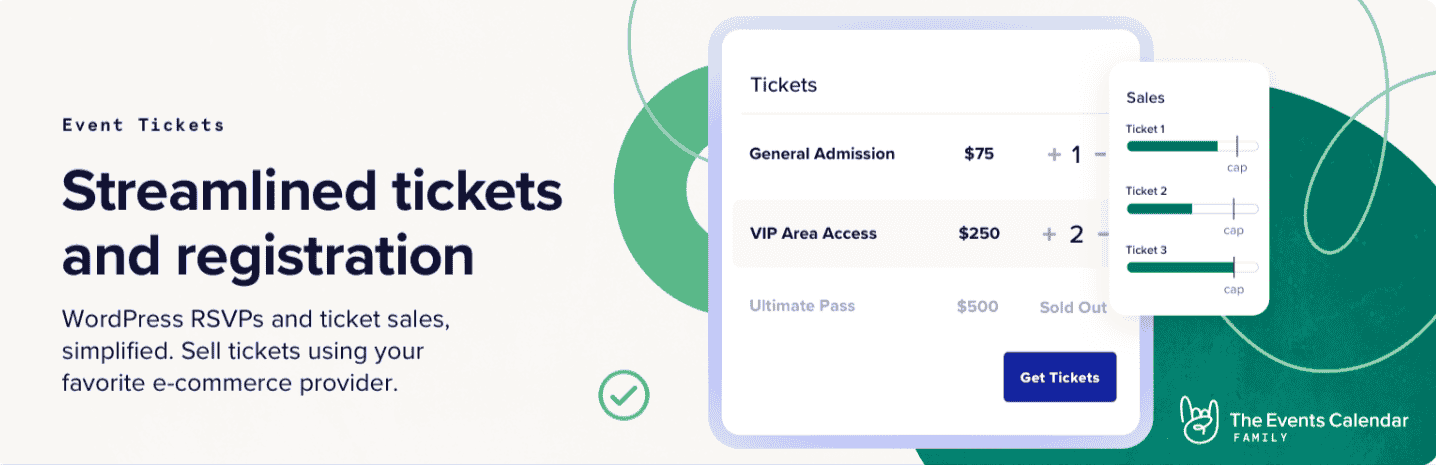
If you want to create free or paid tickets and RSVPs for your events, the Event Tickets plugin is the best option to start with. It is a free plugin that works with The Events Calendar as well as independently.
It has a built-in Tickets Commerce system, so you can sell paid tickets using payment options including Stripe and PayPal.
Once your tickets are live, you can manage ticket bookings through sales and attendee reports. You can also send confirmation emails after ticket purchase or RSVPs.
When you want more advanced features such as custom registration fields, WooCommerce integration, and mobile ticketing tools, you can upgrade to Event Tickets Plus.
Event Calendar Newsletter
Best for: Event websites that regularly send weekly or monthly event newsletters and want to spend less time preparing them.

If you want to promote your upcoming events through emails, the Event Calendar Newsletter is a free and practical option.
It collects your existing event details such as titles, dates, and locations from your website and turns them into an email newsletter format.
You can customize the newsletter layout with a visual or HTML editor and copy the generated newsletter into Mailchimp, MailPoet, ActiveCampaign, or another email tool.
When you need more custom controls, you can upgrade to Event Calendar Newsletter Pro, which will filter events by category, tag, or calendar for your newsletter, group them by day or month, and support automated email sending.
Registration for the Events Calendar
Best for: Websites that host free events and need customizable sign-up forms and attendee management.
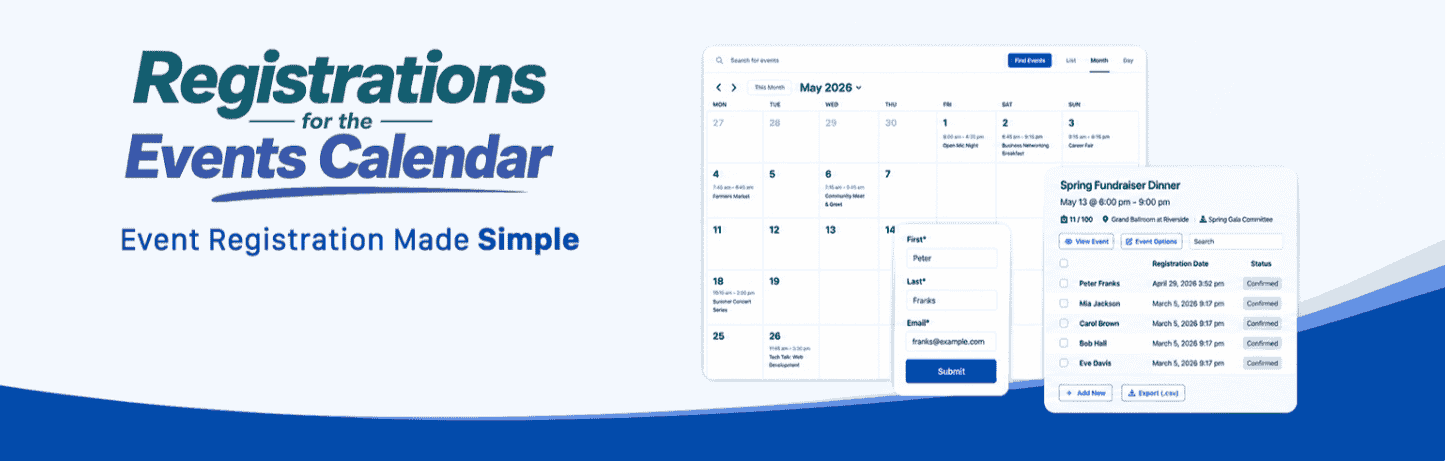
Registration for The Events Calendar is best for those event websites that host free workshops, classes, or community meetups and need form-based sign-ups.
You can customize registration form fields, set limits and deadlines, send confirmation emails, and visitors can directly register on the event page. Attendees can also cancel through a secure email link.
To manage the sign-ups, you can view, edit, and export registrations as CSV files. You can also place the forms on other pages using a shortcode or Gutenberg block.
Registration for TEC Pro adds more advanced controls like group registrations, waiting lists, scheduled reminder emails, and attendance tracking. It also includes a drag-and-drop form builder, advanced field types, and payment options to support paid registrations.
Factors to Consider While Choosing Addons
Each addon serves a different purpose. To choose an addon for your website, you should consider the following factors:
- Function: Start with an addon that adds missing functions to your website. For example, choose Event Tickets if you sell tickets or want RSVPs; choose Registration for TEC if you need customizable sign-up forms for free events.
- Compatibility: For your website to run seamlessly, check the compatibility of the addon with your versions of WordPress, The Events Calendar, your theme, and your page builder.
- Ease of use: Before installing any addon, check its demos and documentation to understand the setup process.
- Dependencies: Check which other plugins or services the addon requires. Some addons need TEC, and some need other plugins such as Elementor, Divi, or WooCommerce.
Which One Should You Choose?
Use this table to find the right addon for your website’s needs.
| Your Need | Recommended Addon |
|---|---|
| Sell tickets or collect RSVPs | Event Tickets |
| Create recurring events or add more calendar views | Events Calendar Pro |
| Customize event layouts and page designs | Events Calendar Addons by Cool Plugins |
| Prepare event newsletters for your email tool | Event Calendar Newsletter |
| Add registration forms for free events | Registrations for The Events Calendar |
Final Thoughts
The best addon for The Events Calendar depends upon your website needs. The Events Calendar covers the basic needs, and addons fill the gaps.
You can choose one focused tool or a combination of addons that makes your event website easy to manage and improves your visitors’ experience.